Reports
Managing reports
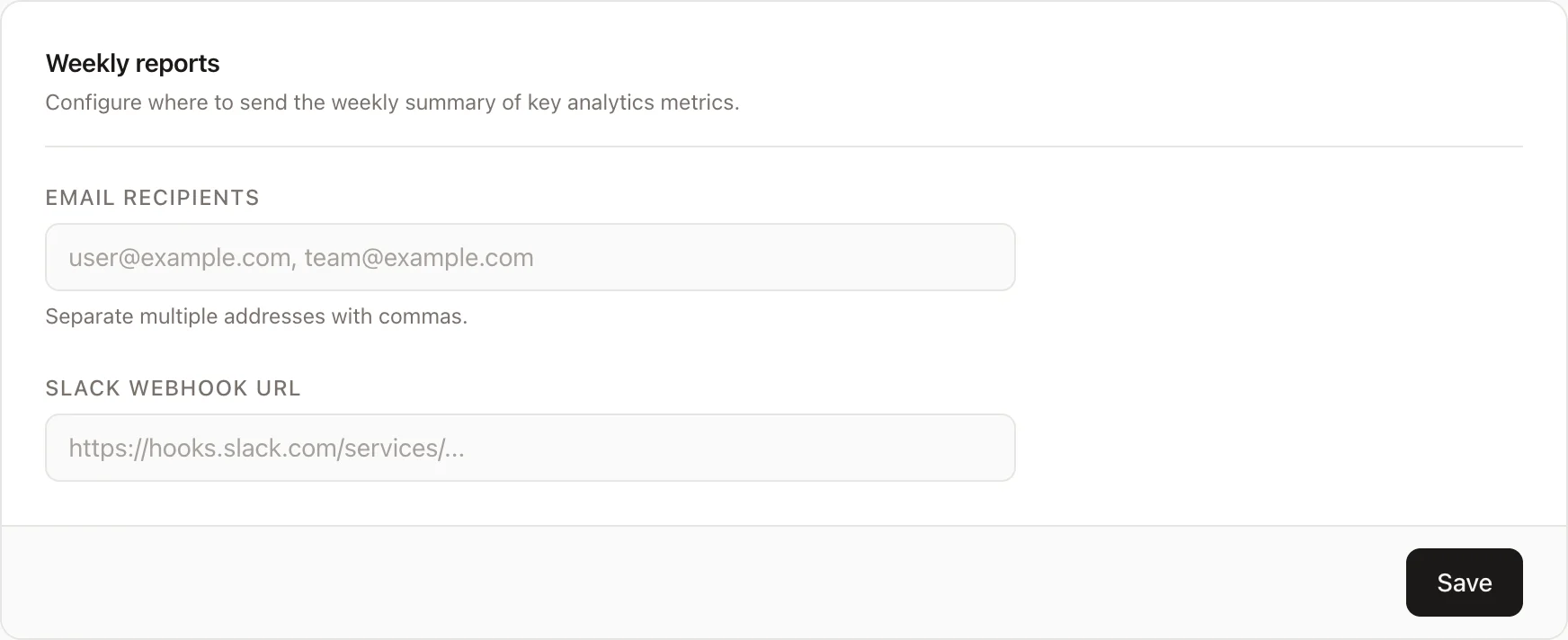
A weekly report containing key metrics for your website can be sent to one or more channels of your choice. To manage reports, click on the "Reports" menu item in the website settings.
Email reports
To receive the weekly report by email, add one or more recipient addresses in the "Email recipients" field, separated by commas. Click "Save" to apply.
Slack reports
To receive the weekly report in a Slack channel, paste an incoming webhook URL into the "Slack webhook URL" field and click "Save".
To create a Slack incoming webhook:
- Go to api.slack.com/apps and open (or create) your app.
- Under Features, select Incoming Webhooks and enable it.
- Click Add New Webhook to Workspace, choose the channel, and click Allow.
- Copy the generated webhook URL and paste it into the field in Galytics.
Both channels are independent — you can use email, Slack, or both at the same time.