

Goals
Managing goals
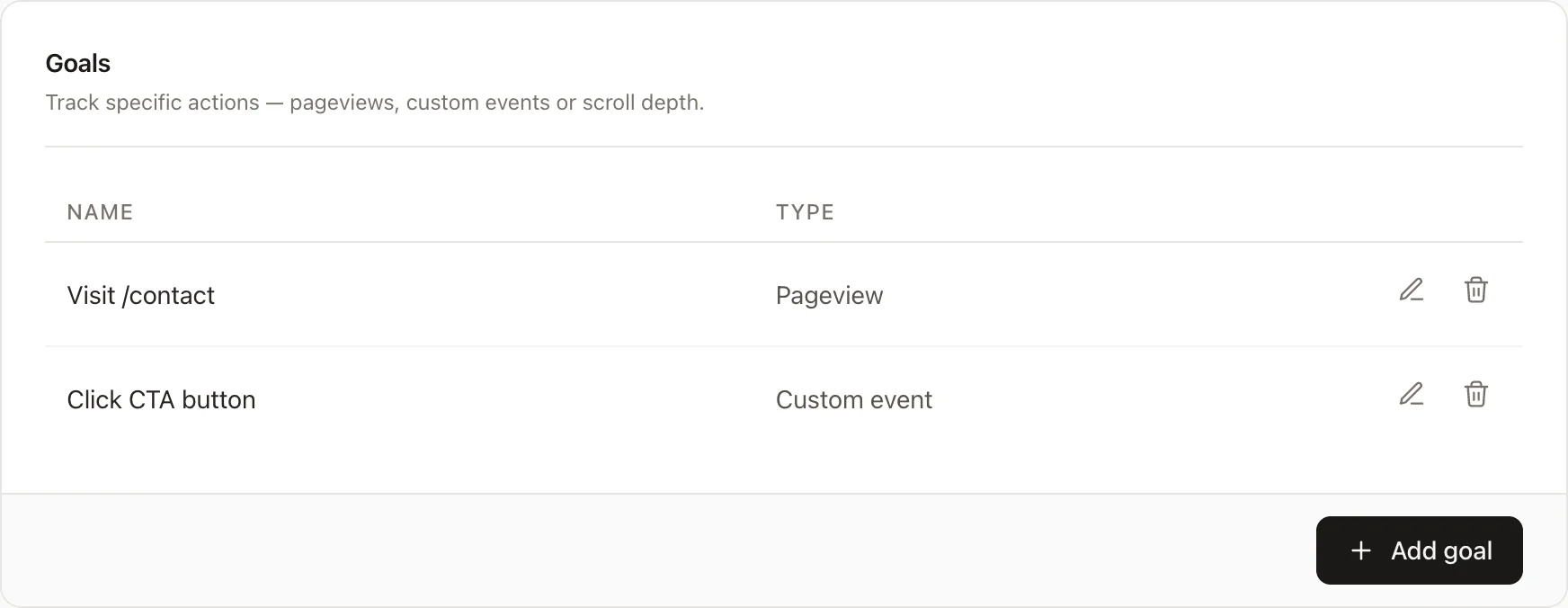
Track your own goals by configuring them here. A goal could, for example, be how many of your visitors visit a specific URL, click the register button, or scroll past 50% of your landing page.
Creating goals
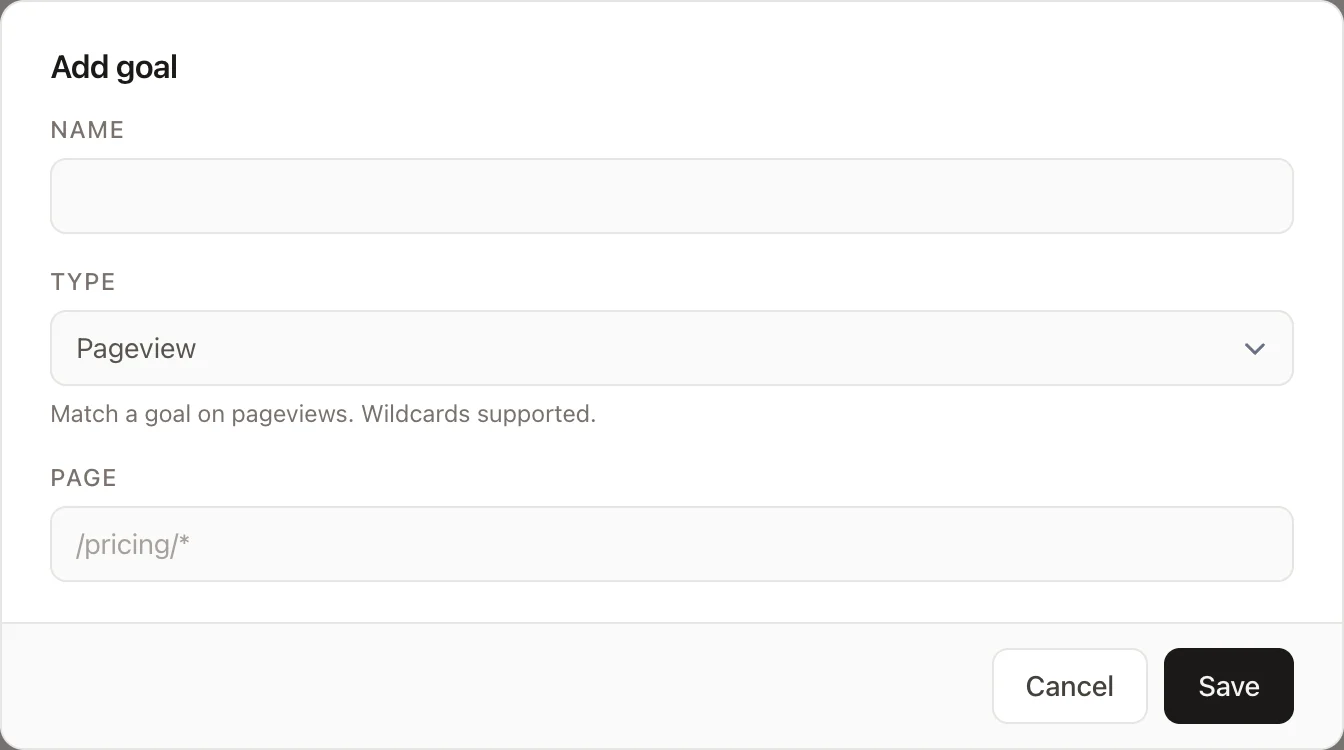
To create a new goal, click the "Add Goal" button. This will open a modal where you can configure your new goal.
- Choose a name
- Select the type of goal:
- Page — triggers when a visitor views a URL matching the page pattern. Wildcards are supported (e.g.
/blog/*). - Event — triggers when a visitor fires a custom event matching the event name exactly.
- Scroll — triggers when a visitor scrolls past a given depth threshold on a matching page. Enter a page pattern and a threshold between 1 and 100 (percent).
- Page — triggers when a visitor views a URL matching the page pattern. Wildcards are supported (e.g.
Modifying goals
Click on the "pencil" button to edit existing goals. The interface is the same as when creating new goals.
Deleting goals
Deleting a goal can be done by clicking the "trashcan" icon.
Deleting a goal will not remove previously collected data associated with that goal. However, it will prevent new data from being tracked for that goal.