

Profile settings
Access the profile settings through the top right drop-down menu by clicking the profile link.
Profile information
In the profile information section, you can change your name and email address.
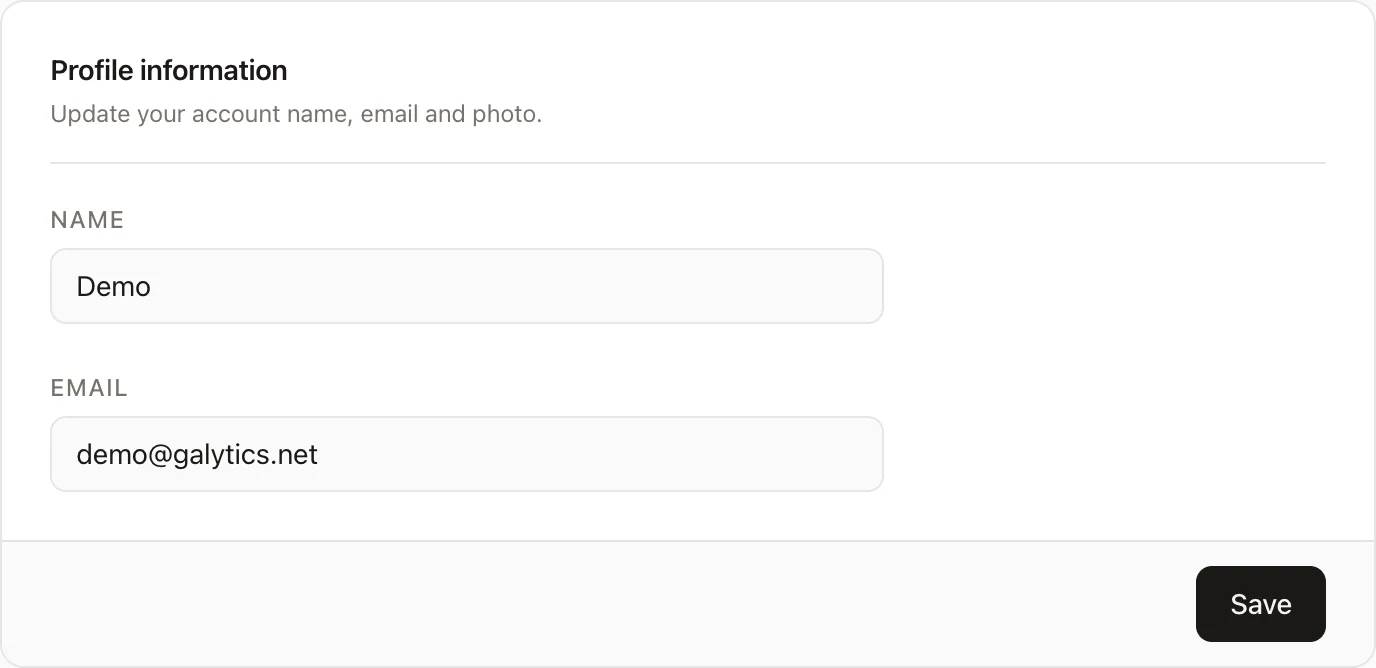
Changing your email address here will not automatically update the email address used for billing. You must change that in the billing portal.
Update password
Update your password by entering the existing password, then typing in and confirming the new password.
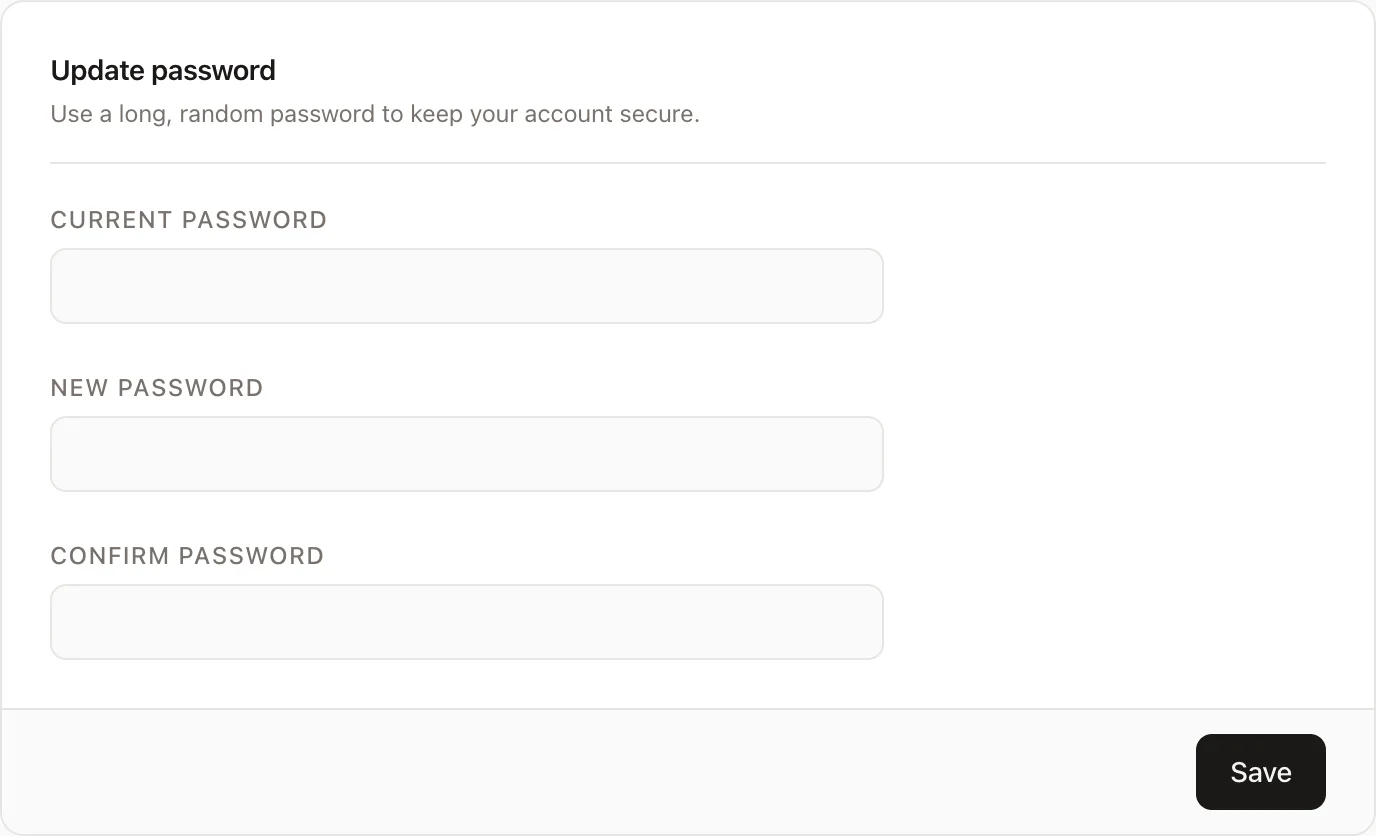
If you use Google login this will have no effect.
Two factor authentication
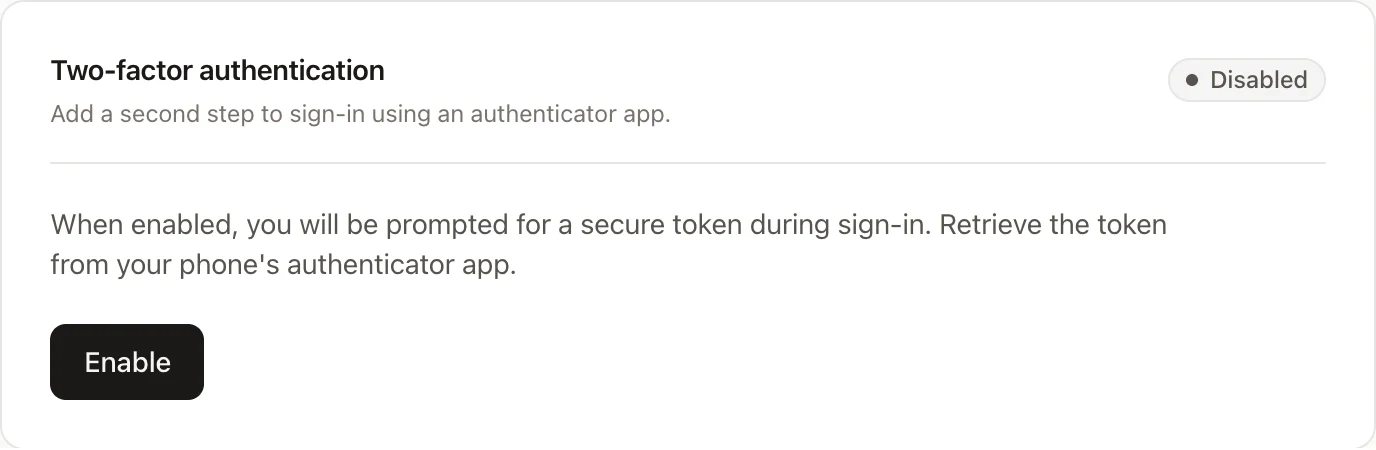
Enable two-factor authentication for improved security. Remember to take note of your recovery codes.
Browser sessions
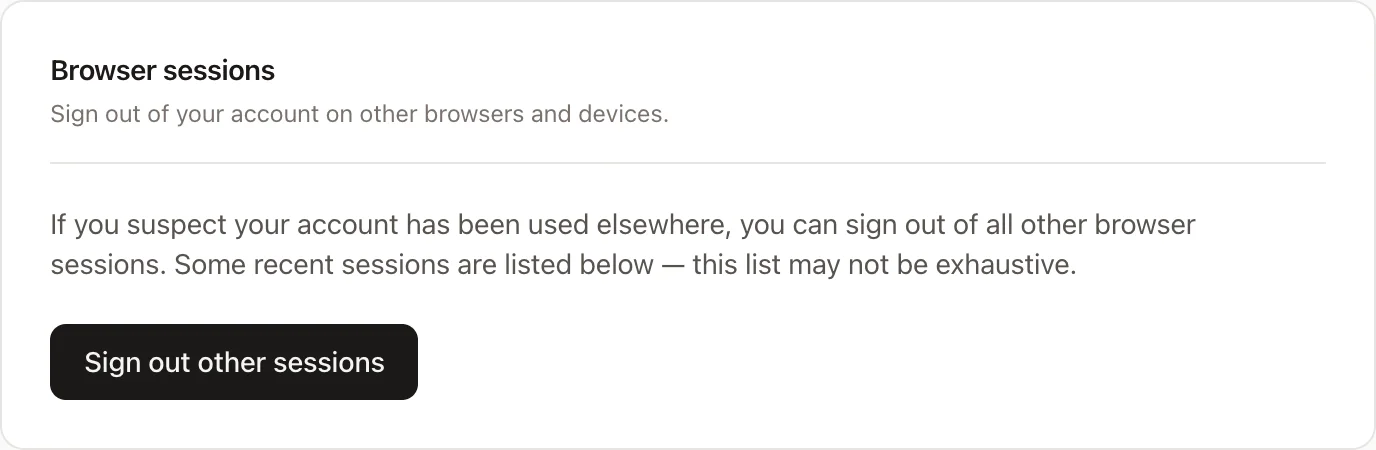
View your other sessions and, if needed, log them out from here.
Delete account
Delete your account, along with your owned teams and websites. All subscriptions will be cancelled.
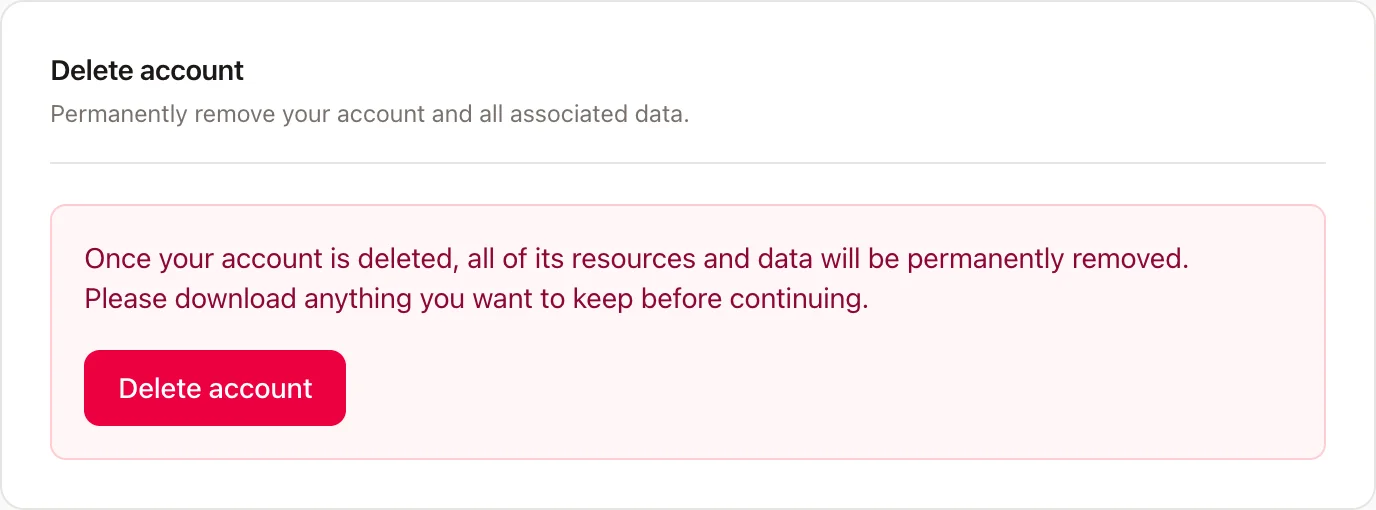
Warning: Deleted accounts, websites, teams cannot be restored!