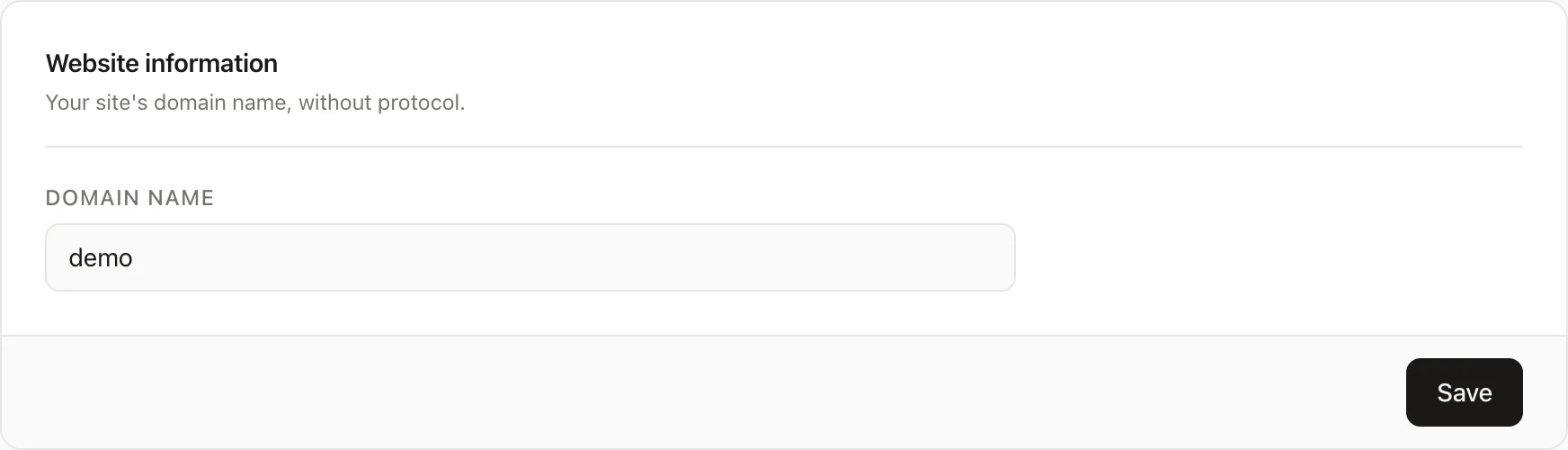

Add website details
Enter domain name
Once you have an account, you can start adding websites to track. Follow these steps:
- Click the "+ Add Website" button.
- Fill in the domain name, ensuring you remove "https://" from the URL and only include the hostname (e.g., example.com).
By following these steps, you can easily integrate your websites with Galytics.net and start tracking your analytics.
For example, if your site is https://example.com then the part to enter in the "Domain" field is example.com.